cyan
One property per card
The tint reaches the shadow as well as the overlay. Tint only one and it collapses into a coloured smudge.
hologram ui components
tap to activate
A library of hologram and HUD parts for a dark page. Step rails, panels that boot up, a loading state that draws a cell, a modal surface, and a particle trace for media.
One rail, three stops, each reported on a holobar:change
event. Here it steps through three measured MICrONS viewers, carried across
whole from the Cortex page: the brain at true scale, the nine cell types, and
one spike crossing one synapse. Drag it, tap a tick, or arrow-key from the
whole brain down to a single spike. Each viewer loads its real meshes the
first time the rail reaches it, and only the one on screen renders.
two brains, one spacetrue relative size
Surfaces load when you reach them
Human cortex and cerebellum Mouse brain Mouse V1, inside the brain, where this volume was cut
The two buttons are for a keyboard: focus one and the arrow keys turn that brain, with shift for a bigger step. Every figure above is arithmetic on the bounding boxes recorded beside the meshes, so it moves if the surfaces are ever re exported.
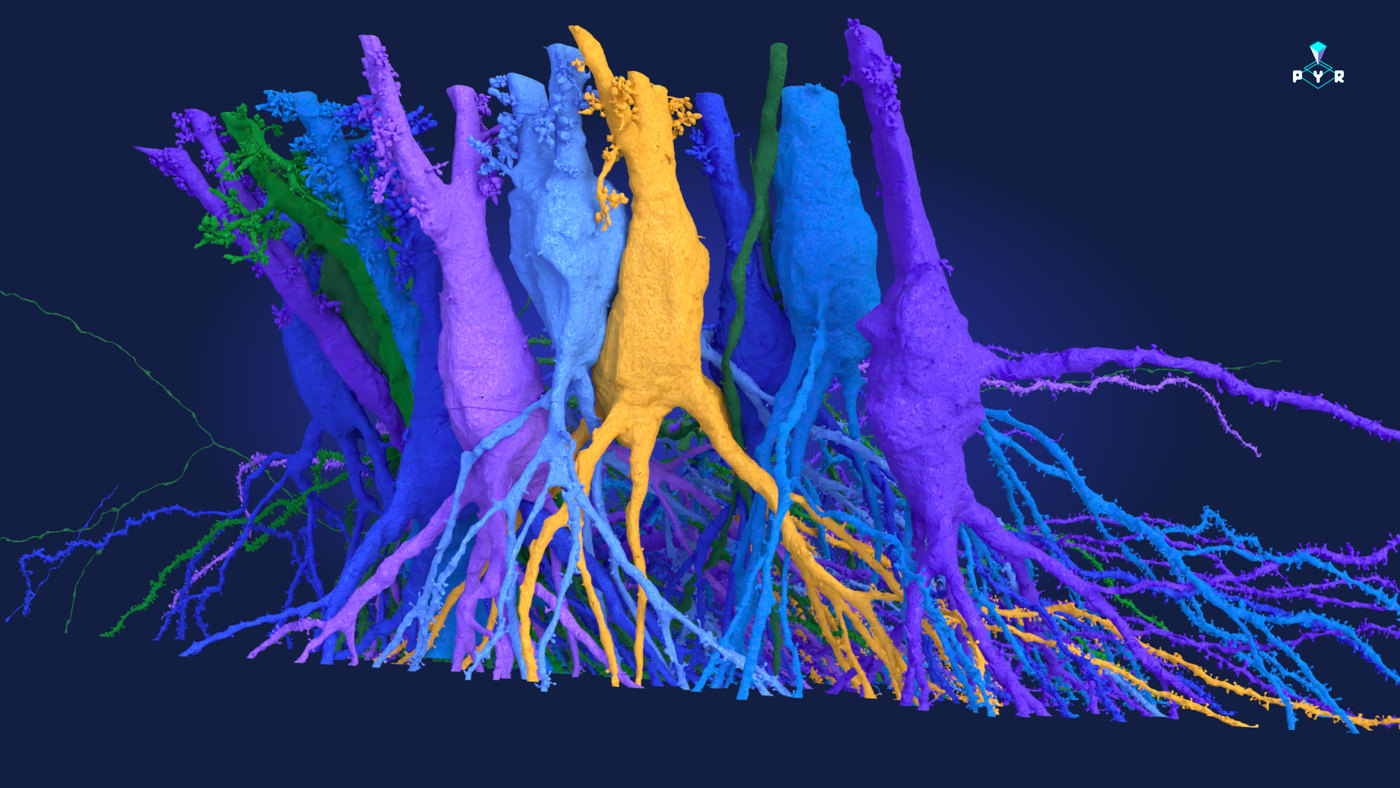
nine cells, one volumedrag to turn, scroll to zoom
Meshes load when you reach them
Each cell is framed to the same size on screen so the shapes can be compared. Their real extents differ by more than a factor of ten, and that number is in the readout rather than in the framing.
one spike, one synapsethe route is measured
Both cells load when you reach them
Presynaptic cell, the one that fires Postsynaptic cell, the one that receives The synapse, and the origin of this scene
What this animation is not. There is no membrane model behind it: no millivolts, no channel kinetics, no refractory period. The spark takes four seconds to cross those two and a bit millimetres because that is long enough to watch, and a real spike would cross them in a few thousandths of a second. What is measured is the route and the distances. Both meshes were re extracted in one frame centred on the synapse, so the bright green point is a real place in a mouse brain.
A hairline draws out from under a heading when it first comes into view, and draws again when you point at it or tap it.
Two bright heads run the border in opposite directions and meet, an inner backlight swells, and the panel resolves out of a blur. Once when it first comes on screen, and again every time you point at it or tap it. The masthead at the top of this page is the same component.
A thin line passes across a panel once when you point at it, tab into it or tap it, whatever the panel's height.
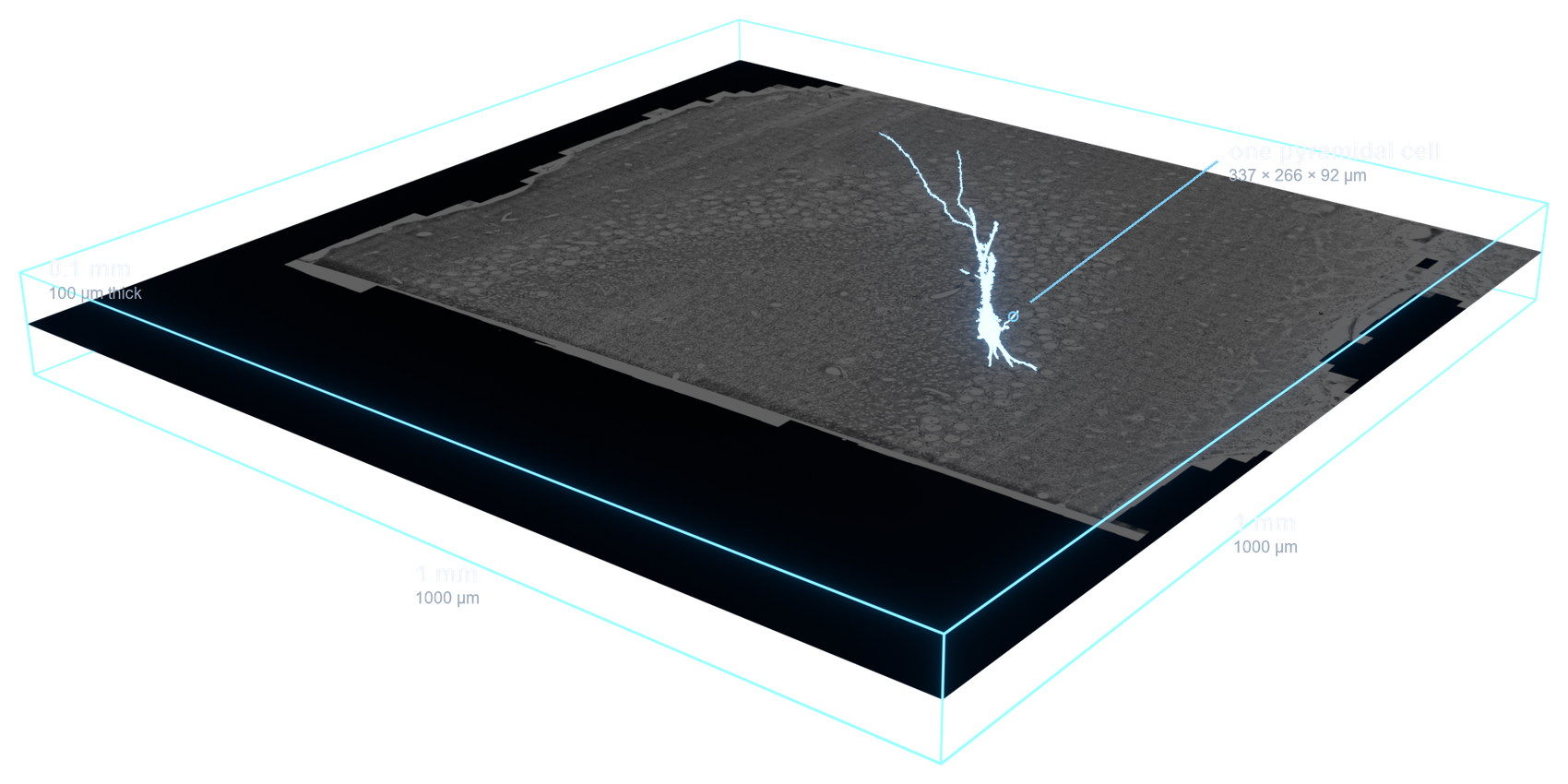
Near black ink instead of tinted glass, so the render pops. The rim and backlight live entirely in the box shadow, so nothing moves and the image is never repainted. Point at a card, or tap it, and a bright head runs the perimeter.
The EyeWire II sign in modal, reproduced. A drifting particle field, a
cycling gradient border, two counter rotating rings, and a materialise that
settles through a soft overshoot. A real <dialog> opened
with showModal, so focus is trapped and Escape closes it.
This is a visual component only. No authentication, no form element, nothing to sign into, and no request goes anywhere.
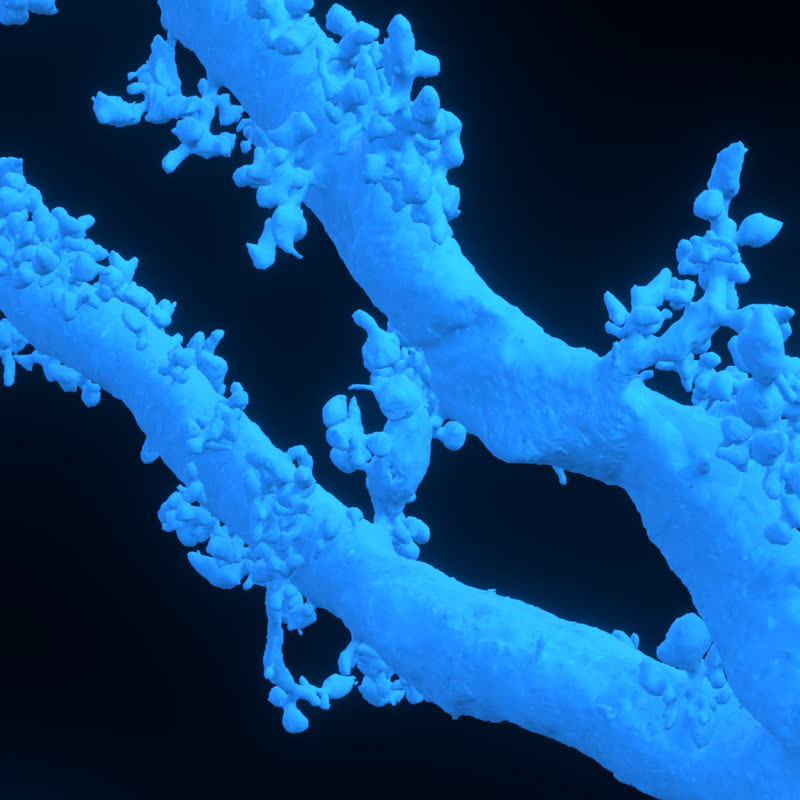
The cell from the sign-in dialog, drawn again as a loading state. Every branch grows outward from the soma while you wait, and only once the cell stands complete do the action potentials begin to travel it. The bar reports a real count when you have one, rather than inventing a number.
loading meshes
The EyeWire II researcher profile, the real component carried across whole: the tabs, the achievement badges, the streak and the trophy case. Open it, then click any badge for its detail. A visual component: no account, nothing to sign into.
visual component only
Amy Sterling
@amy · 48,732 edits · 7 day streak


The success state from EyeWire II Brain Quest: a toast and a confetti burst fired together. The card announces through a live region, dismisses on a timer that pauses while you point at it or tap it, and the burst respects reduced motion.
Each card sets one property, --holotint, and that single value
colours both the corner glow and the shadow it pools as it lifts. Point at one,
or tap it, and it comes up.
cyan
The tint reaches the shadow as well as the overlay. Tint only one and it collapses into a coloured smudge.
violet
Everything the pointer gets, a keyboard and a finger get too. The card lifts on focus-within and on a tap.
warm
A cool field with a single warm card in it. Two warm accents and the grid stops reading as an instrument.
A toolbar of icon buttons with rest, hover, focus, pressed and selected
states. Real buttons, inline SVG, no !important. The third is a
toggle and reports with aria-pressed.
One label, one number, one line of context. Say something true, and the ornament stops being ornament.
this one cell receives
165
mossy fiber synapses, from only 6 fibers. A single terminal makes dozens of contacts on one thorn.
A callout that anchors to a target, flips to the side that fits, clamps into the viewport, then slides its beak to keep pointing. Escape dismisses, the arrows step, and the page scrolls the whole time.
An arc of light runs the boundary once, struck from wherever your pointer crossed or your finger landed, then breaks into particles. Every value in the HUD is read off the media element at runtime.
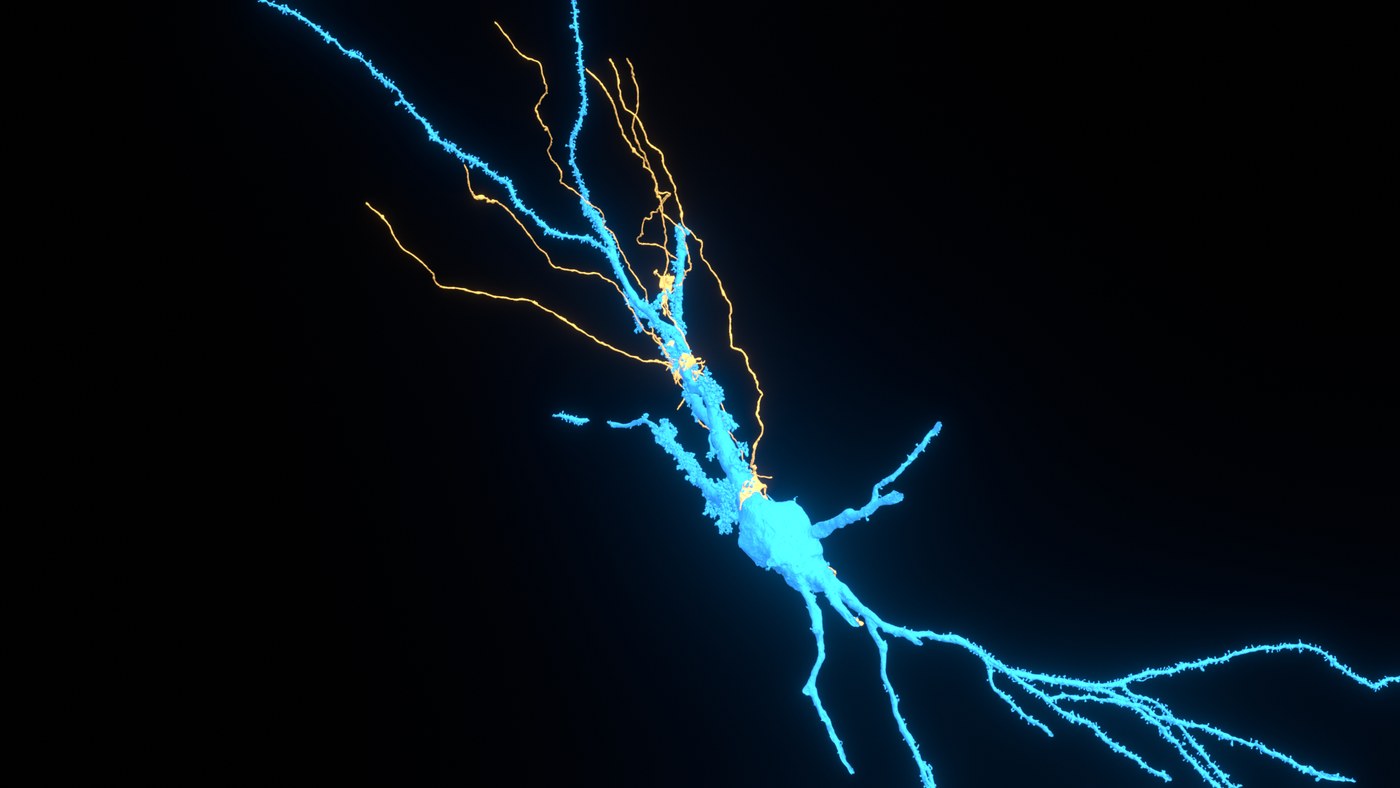
The same treatment over video, plus a play affordance that hides on play and returns on pause. The native controls stay for scrubbing.
The whole interaction from EyeWire II's Scout tag mode, ported from
TagModePanel.vue and holo_trace.ts in the
eyewire-ii-community branch of ng-extend. This one is a round trip: the
panel began by borrowing this library's materialize and swarm, then grew a
light choreography of its own in production, and that choreography now
comes home. Pick a type and click the data after arming (or hold
T): a spark answers at the click and the point waits as a pin.
Submit sends particle streams flowing to the box's midpoints, where
they charge and light the border from both points as the success box
arrives. Click the success box and one bright lap sends it off while the
beam draws the form back. The collapse is the oddly satisfying one:
▾ races the zip light upward, masking the box away beneath it,
and ▴ draws it back with the beam as the reveal mask. Closing
zips the panel away entirely; reopening flings a burst that coalesces onto
the arriving border. Inputs are inert, nothing is submitted.
scout 0
<link rel="stylesheet" href="hologram.css">

<nav class="holorail" data-holorail="h2"></nav>

<div class="holobar" data-steps="10" data-step="8"></div>

<section class="holoboot holosweep"> ... </section>

<figure class="holocard"><img src="render.jpg" alt=""></figure>

<figure data-hud="optional measured value">
  <div class="holoframe">
    <canvas class="trace"></canvas>
    <img src="render.jpg" alt="">
  </div>
</figure>

<script src="hologram.js"></script>
<script src="hologram-tap.js"></script>
Put the canvas.trace before the media. Everything decorative
is created at runtime. The second script is what makes every hover treatment
reachable by tap, and it belongs on any page that loads any part of this
library. Read README.md for the reasoning, the
tunables, and the compositing traps that cost real time.
This card and the toast are the same panel underneath, pulled out once as .holopanel instead of copied a fourth time.
Press this after the tour for a toast and a confetti burst together, the way Brain Quest fires them.
Real buttons with rest, hover, pressed and selected states, and no !important anywhere in the file.